
Start from what your teams actually produce
Before comparing tools, list the visuals produced over a quarter: social media posts, product sheets, invitations, banners, sales materials. Note who creates them, from what source material and how many format variations each piece of content requires.
This inventory often reveals two types of need. Some teams explore, test styles and create one-off pieces: they benefit from a broad suite. Others repeat the same templates with different text and images: what they mostly need is guardrails and speed.
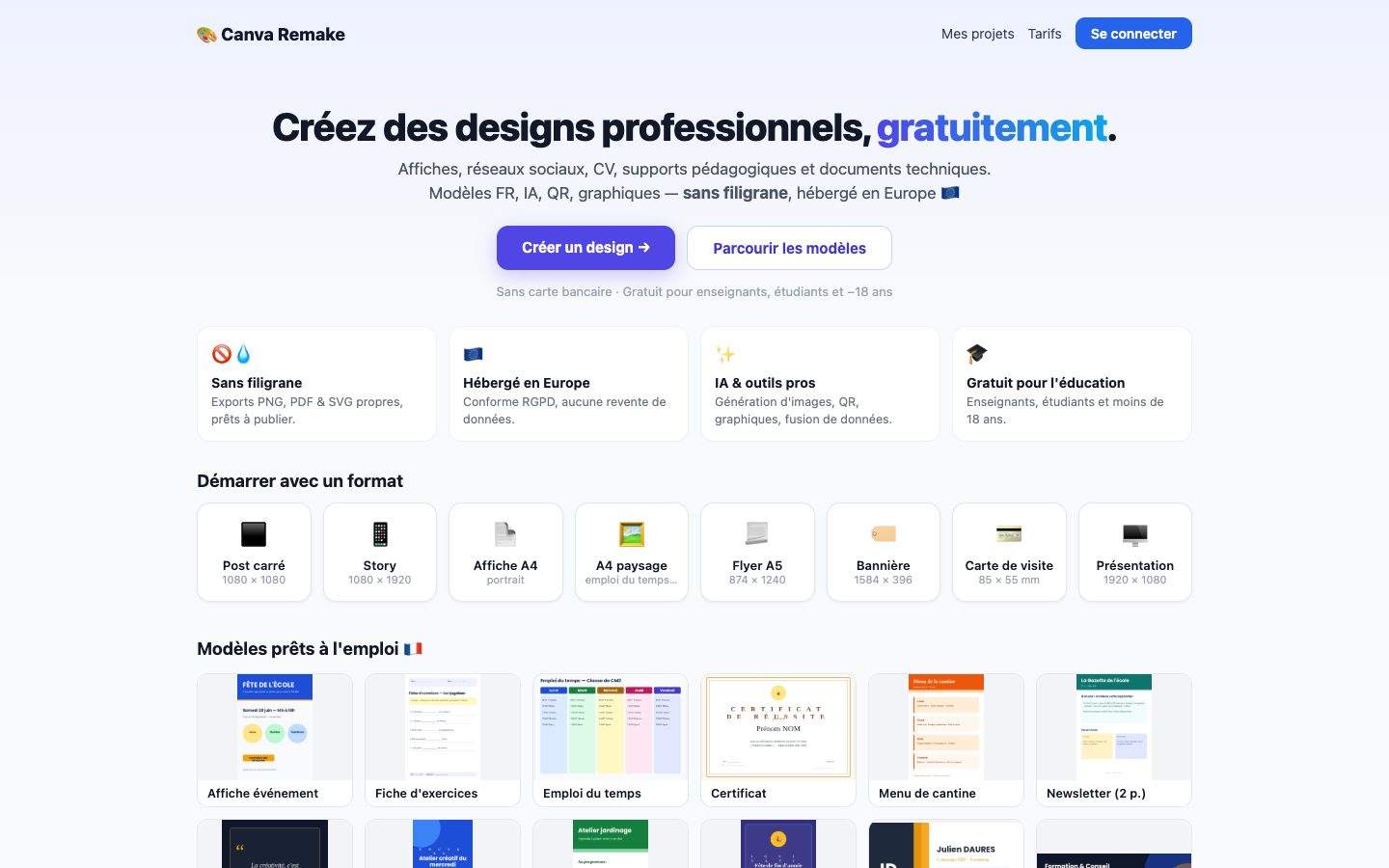
Canva’s recognized strengths for businesses
Canva is widely adopted for its accessibility, its large library of templates and elements, its collaboration features and its support for a very wide range of formats, from social media to presentations. For a team that produces varied content, it is an effective starting point.
Its limitations in a business context have less to do with the tool than with how it is used: the richer the library, the easier it is to stray from the brand guidelines, and the more governance effort it takes to make sure everyone starts from the right templates.
Create, resize and adapt visual content through a streamlined workflow.
Explore the solutionWhen a focused tool is a better fit
A focused tool makes sense when consistency and speed of adaptation matter more than creative freedom. That is the case for a retailer that adapts every offer for several social networks, a small organization without a designer, or a network whose local branches must follow a shared identity.
Dyonysos’s Graphic Design solution addresses this type of need: multichannel formats, reusable templates, resizing, a resource library and export, all within a simplified workflow. It does not try to match the breadth of a suite like Canva, but to offer focused, customizable workflows for an organization.
- A lot of repetitive content to adapt
- Contributors who aren’t designers
- Brand guidelines that must be strictly enforced
- A need to tailor a workflow to your organization
Criteria for making the call
Evaluate each option on a real case rather than on a demo. Take a typical piece of content and ask a non-specialist colleague to produce it in its various formats, then observe the time spent and any departures from the brand guidelines.
- Time needed to adapt a visual to every required format
- How easily colors, fonts and logos can be locked
- How the shared resource library is organized
- Export formats compatible with your distribution channels
- How easily non-designers can get up to speed
Common mistakes when choosing a design tool
The first mistake is choosing based on a demo by an expert, when the tool will be used by occasional contributors. The second is underestimating the preparation work: any tool, however simple, only produces consistent visuals if templates and a resource library have been designed beforehand.
Finally, many organizations forget to appoint someone responsible for the templates. Without someone to update them when the brand guidelines change, the templates grow stale and everyone goes back to cobbling together their own versions.
- Choosing based on an expert’s demo
- Neglecting the design of the starting templates
- Not appointing anyone to manage the library
- Ignoring the export formats your channels need
Using several tools side by side without losing consistency
It is not unusual to keep Canva for one-off creations and use a focused tool for recurring adaptations. This arrangement works provided you centralize brand assets (logos, color palettes, approved photos) and designate a reference tool for each type of content.
The main risk is fragmentation: the same visuals exist in several versions across several tools. A simple rule, such as “an approved template lives in one place only,” prevents most inconsistencies.
FAQ
Is Canva enough for a small business without a designer?
Often, yes, especially at the start. The difficulty arises when several people create visuals without a shared framework: in that case, set up approved templates and a shared resource library, whatever the tool.
Does a focused design tool replace a graphic designer?
No. It allows non-specialists to adapt templates designed beforehand. Designing the brand guidelines and templates remains a graphic design skill that determines the quality of everything else.
How do you prevent brand guidelines from drifting between teams?
Restrict the starting point to approved templates, gather logos, colors and images in a single library, and have the first pieces of content from each new contributor reviewed. Consistency comes more from the framework than from the tool.
Need a demo or a project review?
Dyonysos can present Graphic Design, study your use case and design a test suited to your context.
Contact us