
Three tools, three different starting points
Kahoot made its name with a game-based approach: projected questions, answers from participants’ devices, a leaderboard and a competitive atmosphere. It is very widespread in classrooms and popular for energizing a group.
Wooclap is widely used in higher education and professional training to make a lecture or presentation participatory, with various types of interaction beyond the classic quiz.
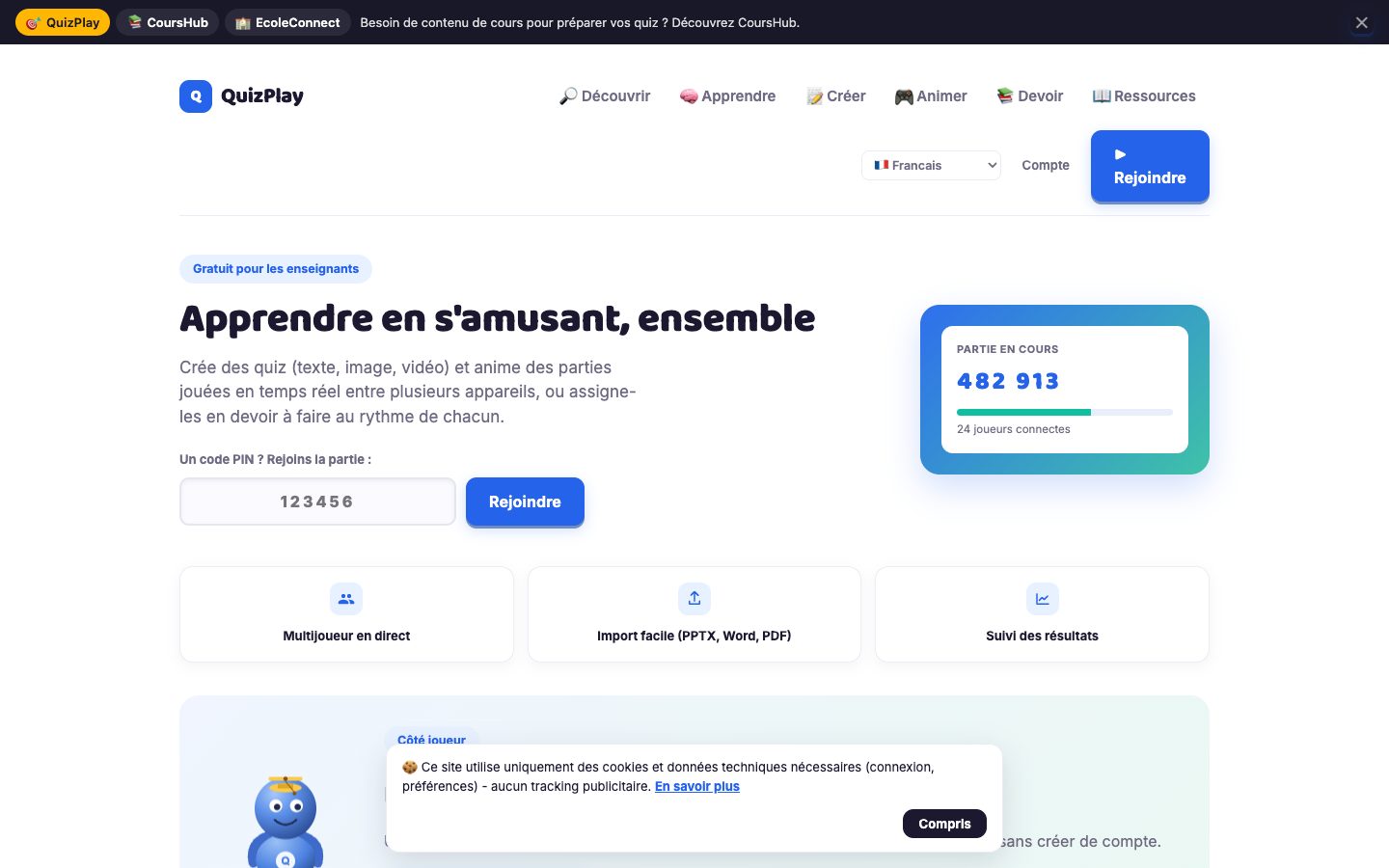
QuizPlay positions itself as an alternative focused on simplicity and lesson design: quick question creation, group facilitation, instant results and learning progress tracking, in class or remotely. These positions aren’t mutually exclusive, and many teachers use several tools depending on the situation.
Selection criteria based on your context
Rather than comparing feature lists, evaluate each tool against your actual situation.
- Audience: young students, high school students, university students or adult learners
- Group size and the classroom or remote setup
- Preparation time available per session
- How much competition you want in the activity
- Need to track progress from one session to the next
- Constraints set by your school or organization
Create and run quizzes with instant feedback, turning assessment into a learning activity.
Explore the solutionA fun moment or a learning sequence: the deciding question
If your main goal is to build energy at the end of a session or close a module on a festive note, a highly game-based tool will naturally be a good fit. If you’re looking instead to check understanding, spot mistakes and adjust your lesson, what matters is being able to analyze the answers and set aside time for explanation.
Ask yourself a simple question: what will you do with the results after the session? If the answer is “nothing,” the choice of tool matters little. If you plan to use them to prepare the next session, choose the one that gives you the clearest view of mistakes.
Test in real conditions before deciding
A demo is no substitute for a trial with a real group. Prepare the same short quiz in each tool you’re considering and run it with comparable classes or groups. Time your preparation, observe how easily participants can join and note how clear the results are.
Also ask participants for their feedback: did they understand how to answer, did they feel comfortable, did they have enough time to think? Their feedback often reveals differences the facilitator can’t see from the front of the room.
Record these observations in the same scorecard for each tool. Without this framework, the impression left by the most recently tested session tends to dominate, and the decision rests more on memory than on comparable criteria.
Combining several tools without confusing participants
You don’t have to pick a single tool for every use. Some trainers reserve one tool for review quizzes and another for polls during presentations. The risk is multiplying the ways participants have to join.
If you combine tools, set a consistent rule, for example one tool per type of activity, and announce it at the start of the course. Keep a copy of your questions in a working document: you’ll remain free to switch tools without having to rewrite everything.
FAQ
Which of these tools is best suited to remote training?
All three can be used remotely, but the experience depends on your video conferencing setup and the number of participants. Test the full experience, from joining to the debrief, under the actual conditions of your training. QuizPlay is designed for use in class or remotely, which is worth checking against your own lesson plan.
What should matter most for a corporate trainer?
The ability to link the quiz to the training objectives and use the answers to adjust the content. Next come ease of joining for busy adults and the tone of the activity, which should remain appropriate for a professional setting. Your organization’s internal constraints may also guide the choice.
Should you favor the tool participants know best?
Familiarity shortens the learning curve, which is a real advantage with a busy audience. It shouldn’t, however, overshadow your learning objective. A less familiar tool that better fits your lesson plan can usually be picked up in a few minutes, as long as it stays simple.
Need a demo or a project review?
Dyonysos can present QuizPlay, study your use case and design a test suited to your context.
Contact us