
What fragmentation costs families and staff
When homework is written on the board, field trip dates are sent by email and reminders are relayed in a parent group chat, everyone pieces the information together in their own way. Students forget an assignment, families ask several teachers the same question and staff spend time repeating what has already been said.
Fragmentation also creates inequalities: the most connected parents know where to look, while others find out too late. Centralizing is therefore as much a matter of fairness as of efficiency.
Finally, fragmentation undermines continuity: when a teacher is replaced or changes, part of the history remains locked away in personal tools.
One source of truth for each type of information
Before configuring anything, write a one-page set of guidelines specifying where each piece of information lives. It will serve as a reference for teachers, substitutes and families.
- Homework and instructions: in the class section, with a due date
- Events, meetings and field trips: in the school calendar only
- Circulars, permission slips, supply lists: in the document space
- General information: in the school news section
- One-to-one conversations: in the messaging tool, never in a group chat
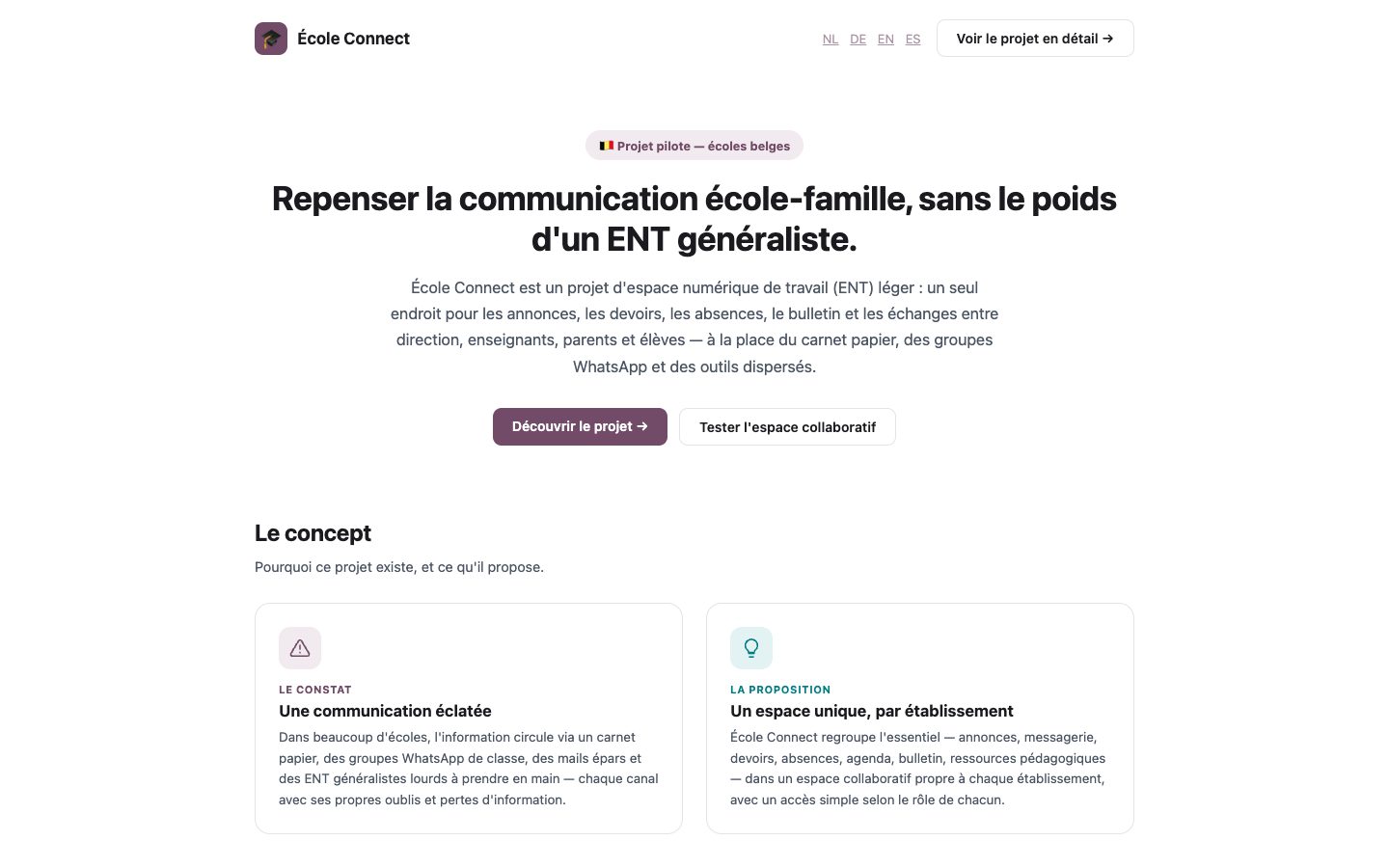
A configurable space that centralizes communication and makes school information easier to follow.
Explore the solutionBuilding a school calendar everyone can read
A useful calendar clearly distinguishes between levels: whole-school events, grade-level events and class events. Each family should see only what concerns them; otherwise the calendar becomes background noise that no one checks anymore.
Set a few simple rules: a clear title, a time and a place, and an attached document when parents need to take action, such as signing a permission slip. Post events as early as possible and avoid changing them without sending a notification. In École Connect, the school calendar and shared documents are in the same space, so there’s no need to send people to another tool.
Organizing homework and documents so they can be found
Homework poses a particular challenge: there’s a lot of it, it’s dated and it often comes with materials. Adopt a shared naming convention, for example subject, due date and a short title, and always attach the document to the assignment rather than posting it elsewhere.
For documents, think in terms of lifespan: some are useful all year, such as the school rules or the timetable, while others are only relevant for a few days. Organizing them into permanent and temporary folders, with regular clean-ups, keeps the space easy to browse.
A smooth transition that doesn’t leave anyone behind
Centralization often fails during the switchover, when the old channels keep running in parallel. Plan the transition in stages.
- Announce the switchover date and the posting guidelines
- Help families set up their accounts, including in person
- Duplicate important information for a short period only
- Politely redirect questions asked on the old channels
- Close or freeze the old channels on the scheduled date
Making sure centralization holds up over time
After a few weeks, look at concrete signals: are families still asking questions whose answers have already been posted? Are teachers posting in the right place? Information tracking helps identify important messages that few people have viewed and send targeted reminders, rather than resending the same message to everyone. A staff check-in at the end of each term is often enough to correct any drift.
FAQ
What should we do about existing parent group chats?
They belong to families, and it isn’t the school’s place to shut them down. However, the school can stop posting official information there and remind families that the platform is the only source of truth. Over time, these groups return to their role as a mutual support network among parents.
Should grades be in the same place as homework and the calendar?
Academic results are often handled by a dedicated student information system with its own confidentiality rules. What matters is that families clearly know where to find them and that the communication platform points to it unambiguously. Centralizing doesn’t mean merging everything; it means avoiding duplicate information.
How should we handle separated families or siblings in different classes?
This is exactly where role-based access becomes useful: each legal guardian should receive the information that concerns them, and a parent with several children should see each class’s calendar without confusion. Check this during the initial setup, as it generates a lot of questions if handled poorly.
Need a demo or a project review?
Dyonysos can present École Connect, study your use case and design a test suited to your context.
Contact us