
Map information flows before looking at software
Most poor choices stem from an appealing demo rather than an analysis of needs. Start by listing what currently circulates within the school: notes to families, field trip permission slips, menus, circulars, meeting schedules, course materials and urgent information. For each flow, note the sender, the recipients, the frequency and the current channel.
This inventory quickly reveals duplication, such as the same information sent by email, posted at the school gate and relayed in a group chat. It also highlights gaps: a parent who never knows where to find the schedule, a substitute teacher who has access to nothing. These pain points are what the future platform should be judged on.
Involve one or two parents and a member of the administrative staff in this exercise. They see difficulties the teaching staff doesn’t always notice, such as the times when families actually check their messages or the documents they have to print because they have no other way to sign them.
The functional criteria that make a difference day to day
Once the flows have been identified, translate them into criteria you can verify. The point isn’t to pile up features, but to make sure that frequent tasks take just a few steps for each type of user.
- Posting news and sending targeted messages by class or group
- A shared school calendar that’s easy to read without prior training
- An organized document space where files can still be found months later
- Different access rights for school leadership, teachers, students and families
- Visibility into whether important information has been read
- Comfortable viewing on a smartphone, without complicated steps
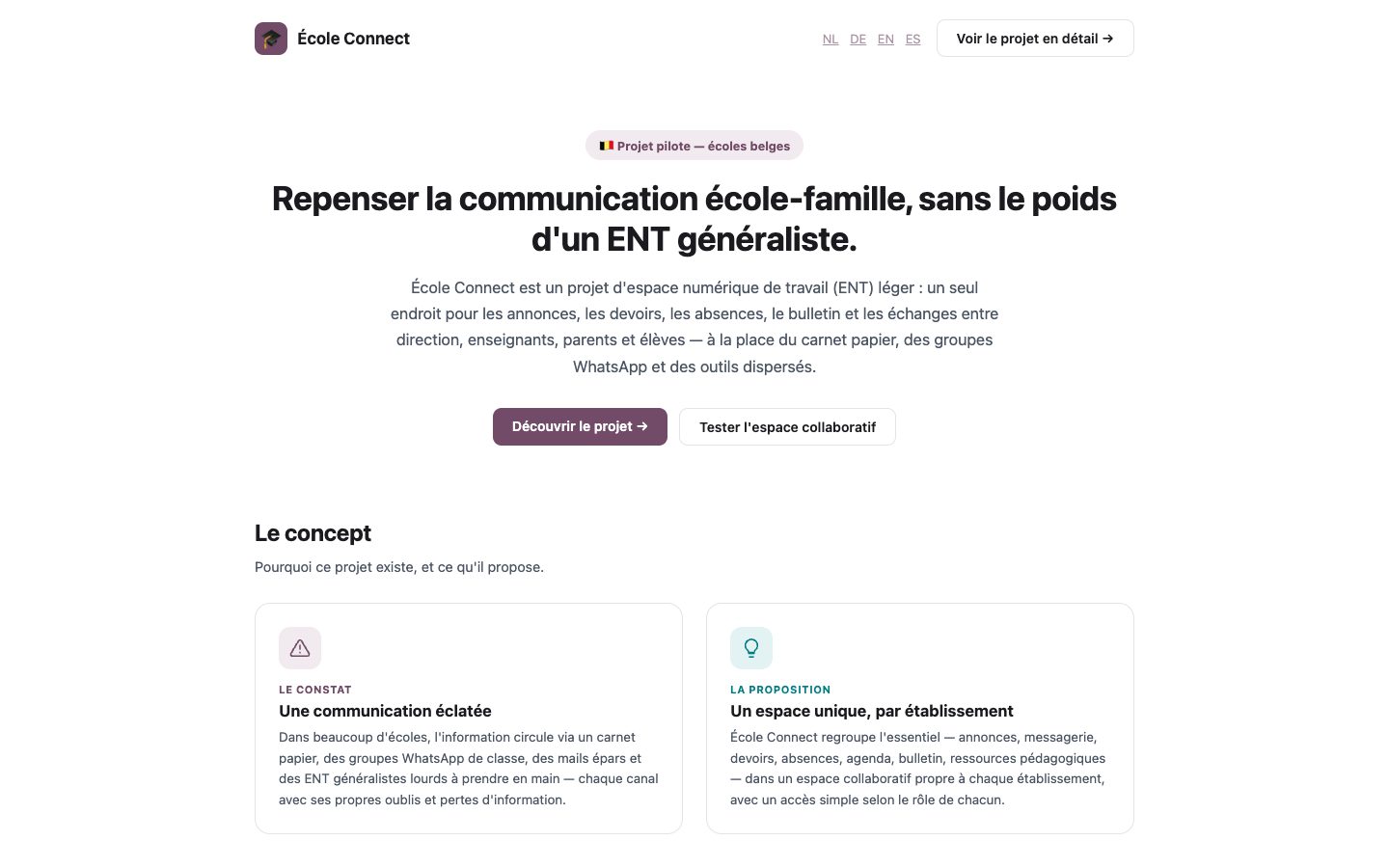
A configurable space that centralizes communication and makes school information easier to follow.
Explore the solutionGovernance, access rights and data protection
A school platform handles data about minors. Data minimization should guide the configuration: collect only what is useful, limit the visibility of each piece of information to the people concerned and plan for accounts to be deleted when students leave the school. Ask the provider about data hosting, backup management and reversibility terms.
Also appoint an internal platform administrator. Without a designated owner, former students’ accounts pile up, sections multiply and the tool becomes hard to navigate. A solution such as École Connect, which relies on role-based access, makes this framework easier to set up, but the ground rules are still for the school to define.
Run a pilot with one class or grade level
Rather than switching the whole school over at once, choose a test scope: a volunteer class, a grade level or a specific project such as a field trip. Set a duration of a few weeks and simple success criteria, for example the share of families connected, the number of reminders needed or the time teachers spend posting.
Then gather qualitative feedback from parents, especially those who are usually hard to reach. Their experience matters more than that of users who are already comfortable with digital tools. If the platform doesn’t work for them, it won’t reduce fragmentation.
Common mistakes when choosing a platform
Some mistakes come up from one school to the next and cost a great deal of time and credibility with families.
- Choosing a tool without consulting the teachers who will use it every day
- Adding the platform to existing channels without removing any
- Underestimating the support needed by families less familiar with digital tools
- Turning on every feature from day one
- Failing to decide who will manage accounts and access rights
FAQ
Does a small elementary school really need a digital platform?
Not necessarily a complex tool, but a single point of entry, yes. Even with just a few classes, information quickly gets scattered across home-school notebooks, emails and messaging apps. A simple platform focused on news, the calendar and documents is often enough to bring clarity to communication.
Should we prioritize a mobile app or browser access?
What matters most is that families can view information on their phone without difficulty. Well-designed mobile web access avoids having to install yet another app, which is a strong argument when parents already have several. Test both options with a few parents before deciding.
How can we involve reluctant teachers in choosing the tool?
Invite them to join the selection group and start from their current frustrations rather than from features. Show them what the platform will save them, for example answering the same questions over and over. A pilot led by a volunteer colleague is often more convincing than an official presentation.
Need a demo or a project review?
Dyonysos can present École Connect, study your use case and design a test suited to your context.
Contact us